

Purpose
In this article, we will cover the steps for managing CTE setup for new customer registrations.
Setup CTE profile
This can only be completed after the DK setup is complete for the account.
Step 1: Log in to CTE tool from the https://amexgbt.okta.com/app/UserHome
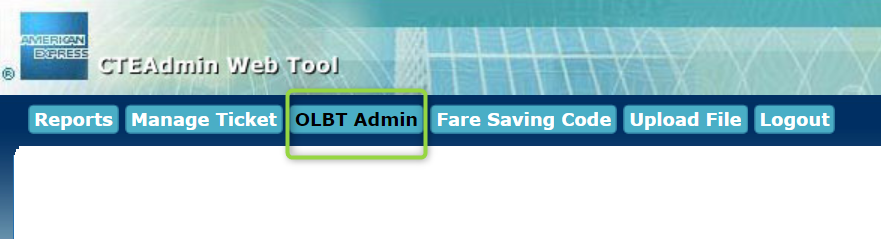
Step 2: Select OLBT admin
Step 3: Enter the following details:
- Corp ID is first 4 digits of account CAPID
- Market is United States
- GDS is SABRE
- OLBT is NEO
- Instance is Neo1
Step 4: Click Search to see if it has been entered. If not, click Add
 Tip: If you get a note that it doesn't exist, it is because the DK hasn't been added yet. Please reattempt the next day.