

Purpose
When an account needs to change from normal billing table to NFP
Raise a case in Salesforce
Open the account page in Salesforce
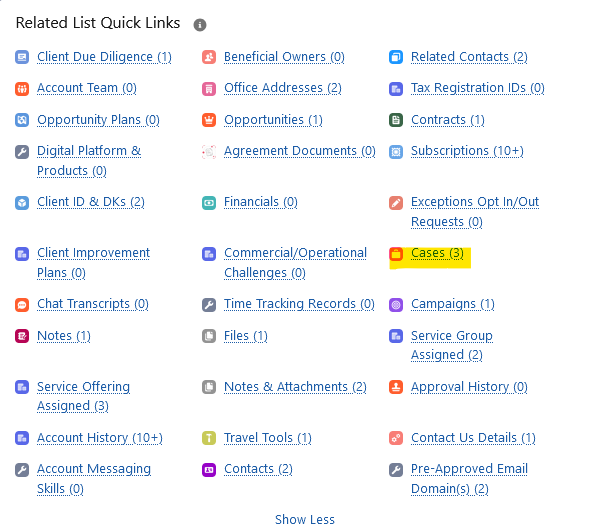
Step 1: Click Cases in the Related List Quick Links
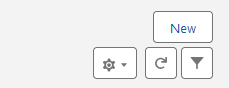
Step 2: Click New in the top right hand side
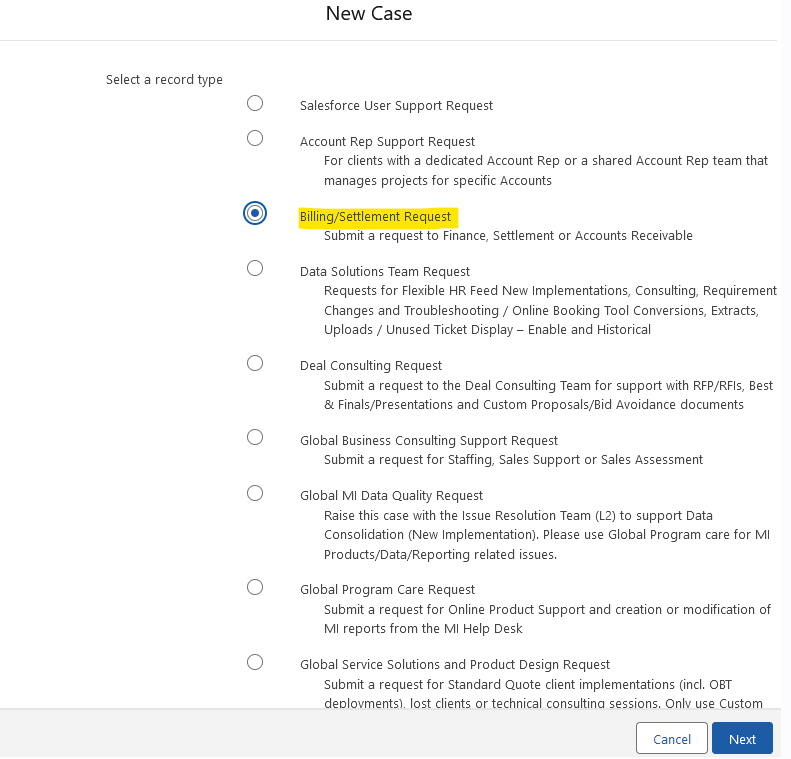
Step 3: Select Billing/Settlement Request and click Next
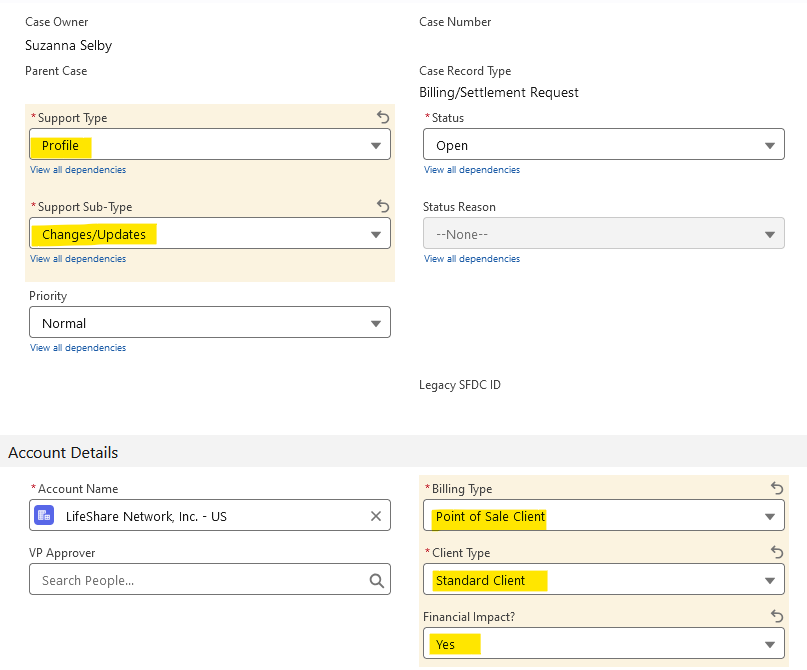
Step 4: Fill out the details:
Support Type: Profile
Support Sub-Type: Changes/Updates
Account details
Check that the account name is correct
Billing Type: Point of Sales Client
Client Type: Standard Client
Financial Impact: Yes
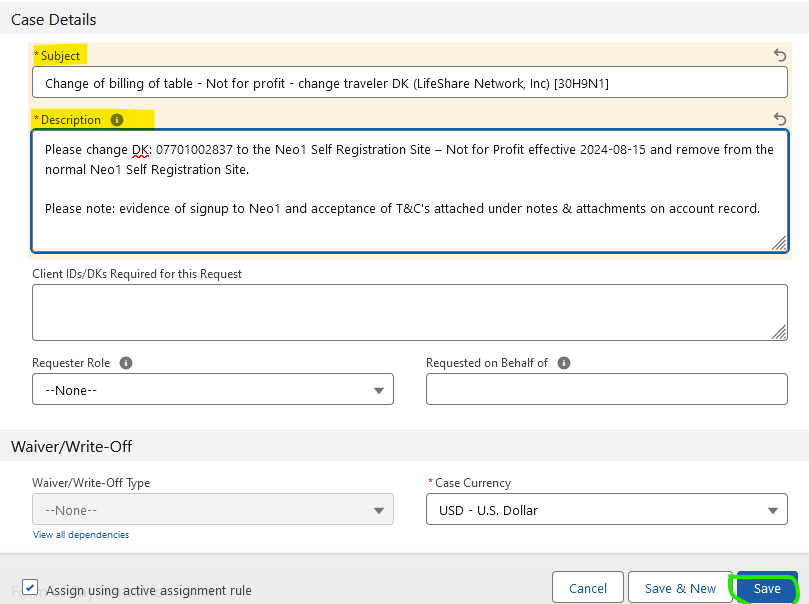
Case details
Subject: Change of billing of table - Not for profit - change traveler DK (COMPANY NAME) [CAPID] - fill in the actual company name and the customer's CAPID
Description: Please change DK: [DK NUMBER] to the Neo1 Self Registration Site – Not for Profit effective [REGISTRATION DATE IN US FORMAT YYYY-MM-DD) and remove from the normal Neo1 Self Registration Site.
Please note: evidence of signup to Neo1 and acceptance of T&C's attached under notes & attachments on account record.
Step 4: Case has been created. Keep an eye on any comments/questions and confirmation from the billing team