

 Audience: Travelers
Completing your profile is the first step to getting started on the platform. The first time you log in, after setting up your password, you'll be guided through a quick profile setup — typically under 10 minutes. Have your travel documents nearby before you begin.
Video: How to complete your profile
Steb by step guide
1- Verify your email and set your password
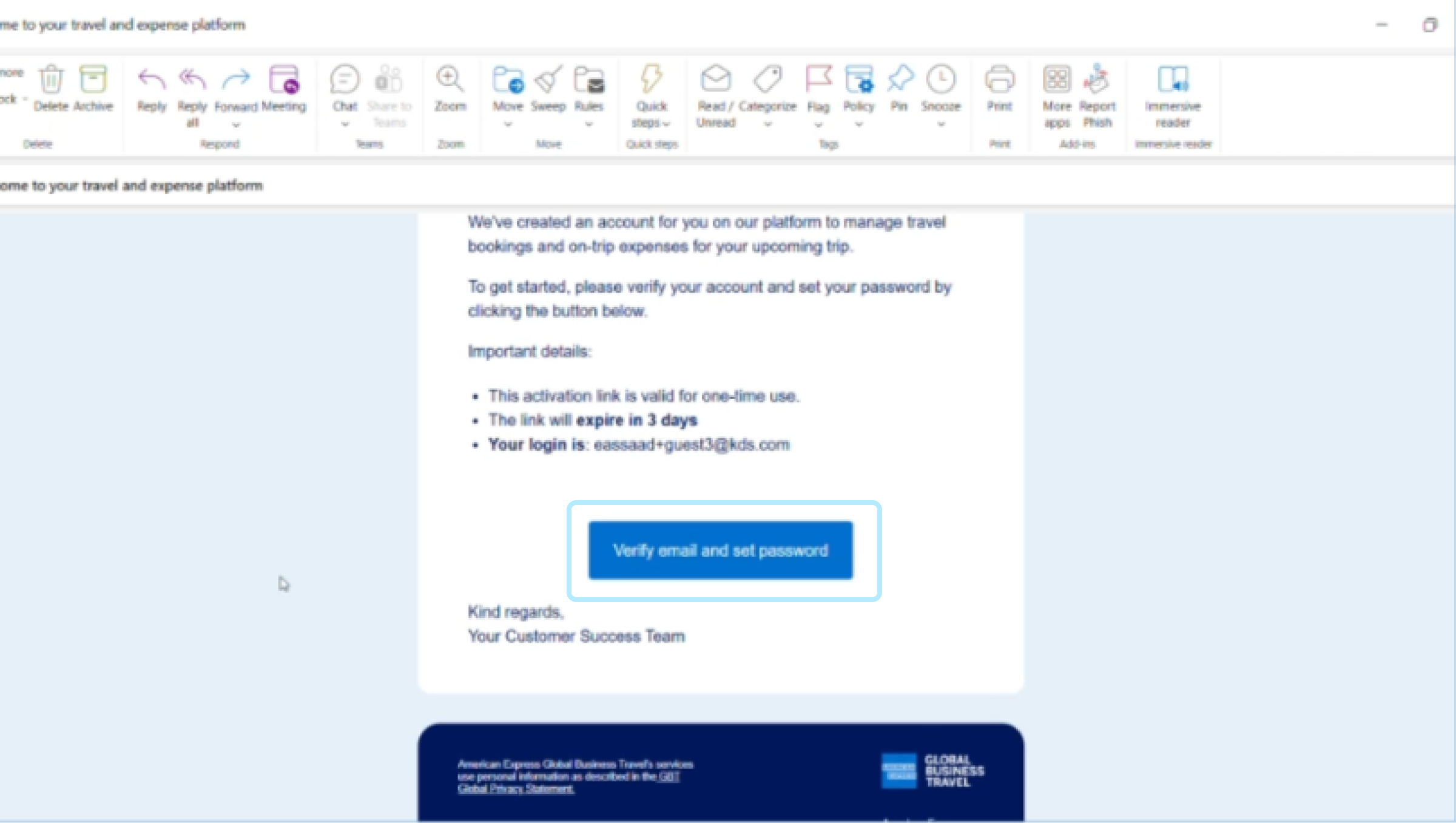
After submitting your RSVP, you received an email with a link to verify your email address.
Click ‘Verify email and set password’.
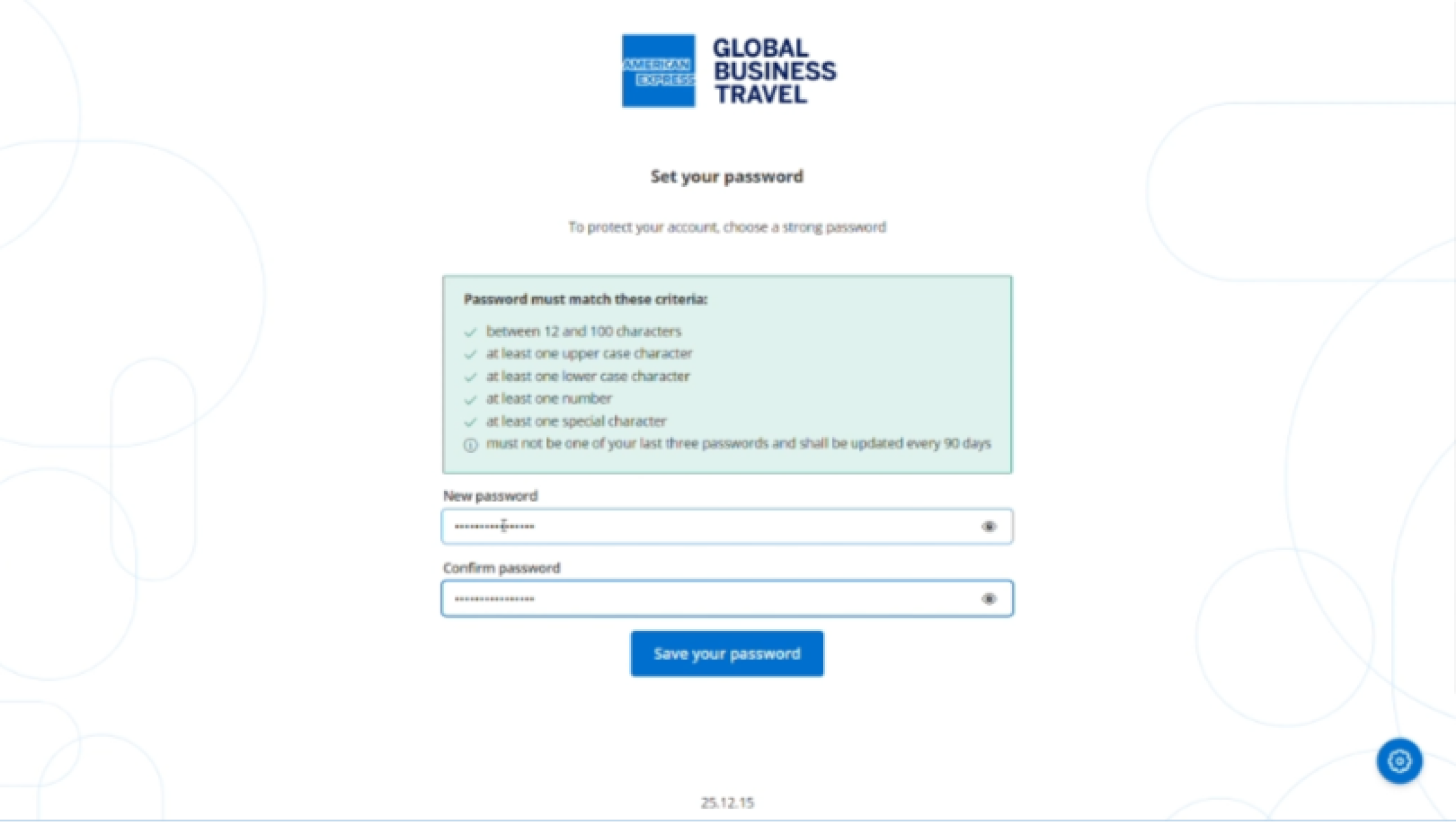
Create a password that meets the security requirements, then click 'Save your password’.
2- Complete your profile and home address
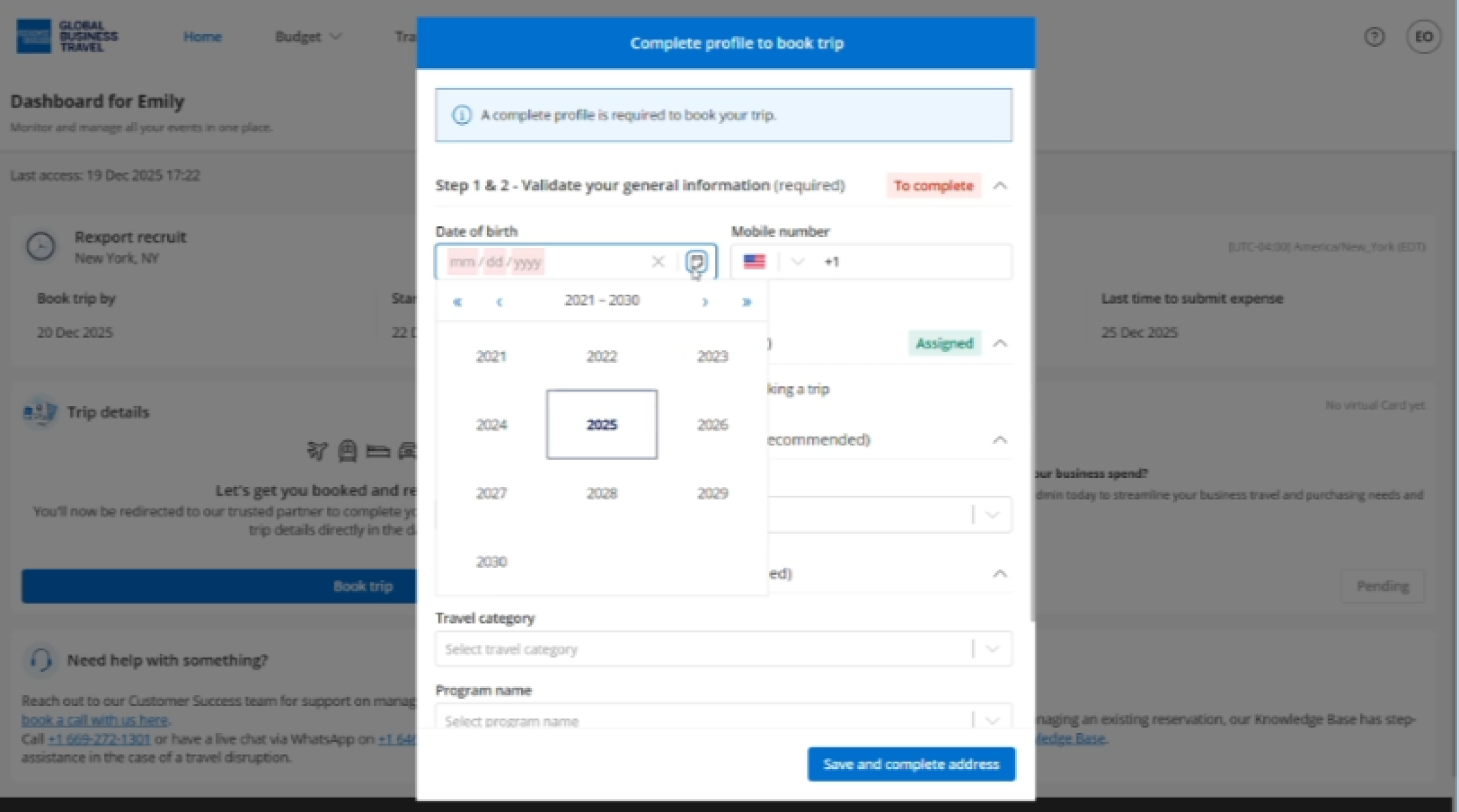
Enter mandatory information:
- Date of birth
- Mobile number
In most cases, your payment method is pre-assigned by the event coordinator. If it isn't, select your preferred payment method for travel bookings.
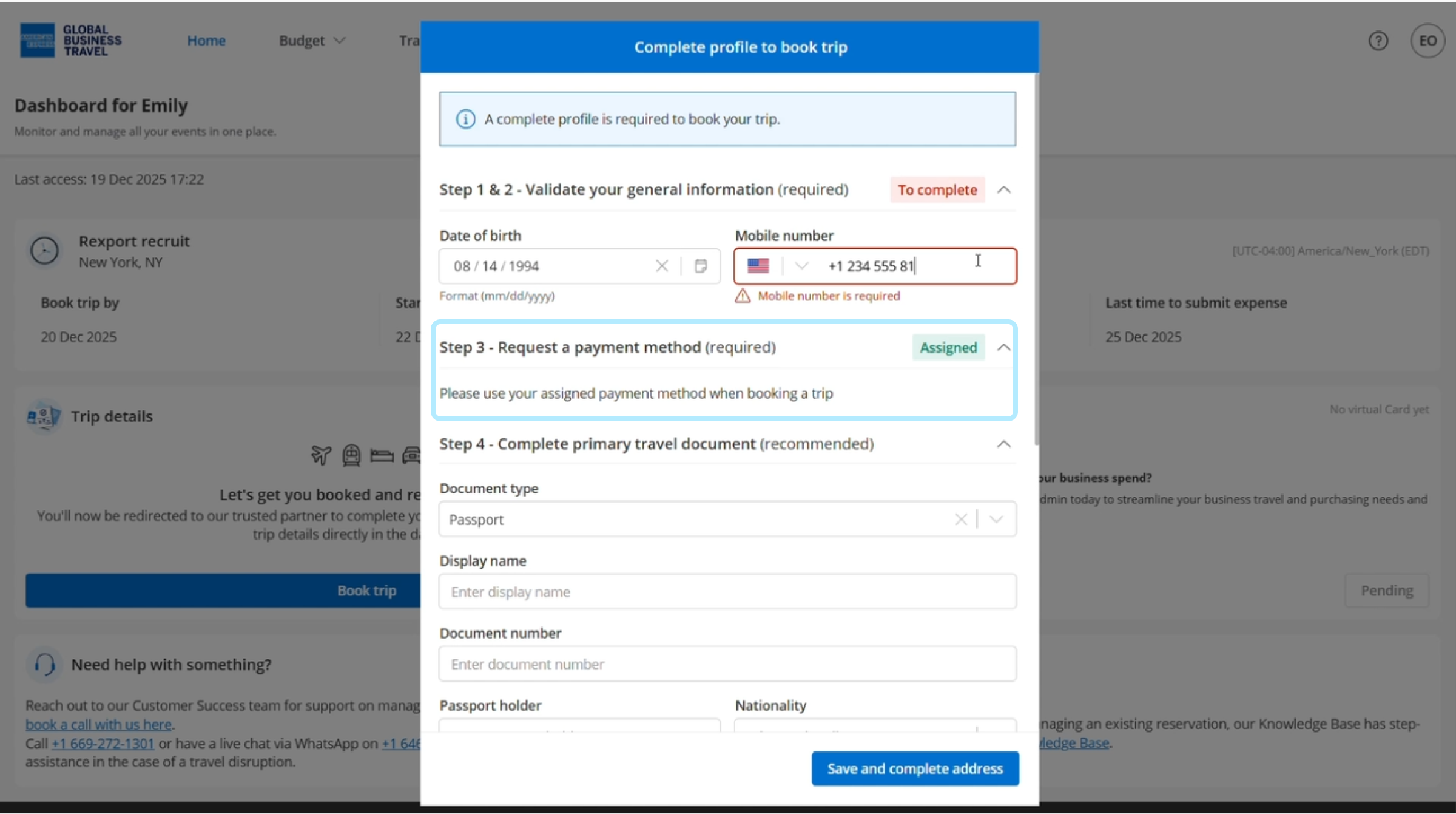
Complete your primary travel document: select the document type and enter the required information.
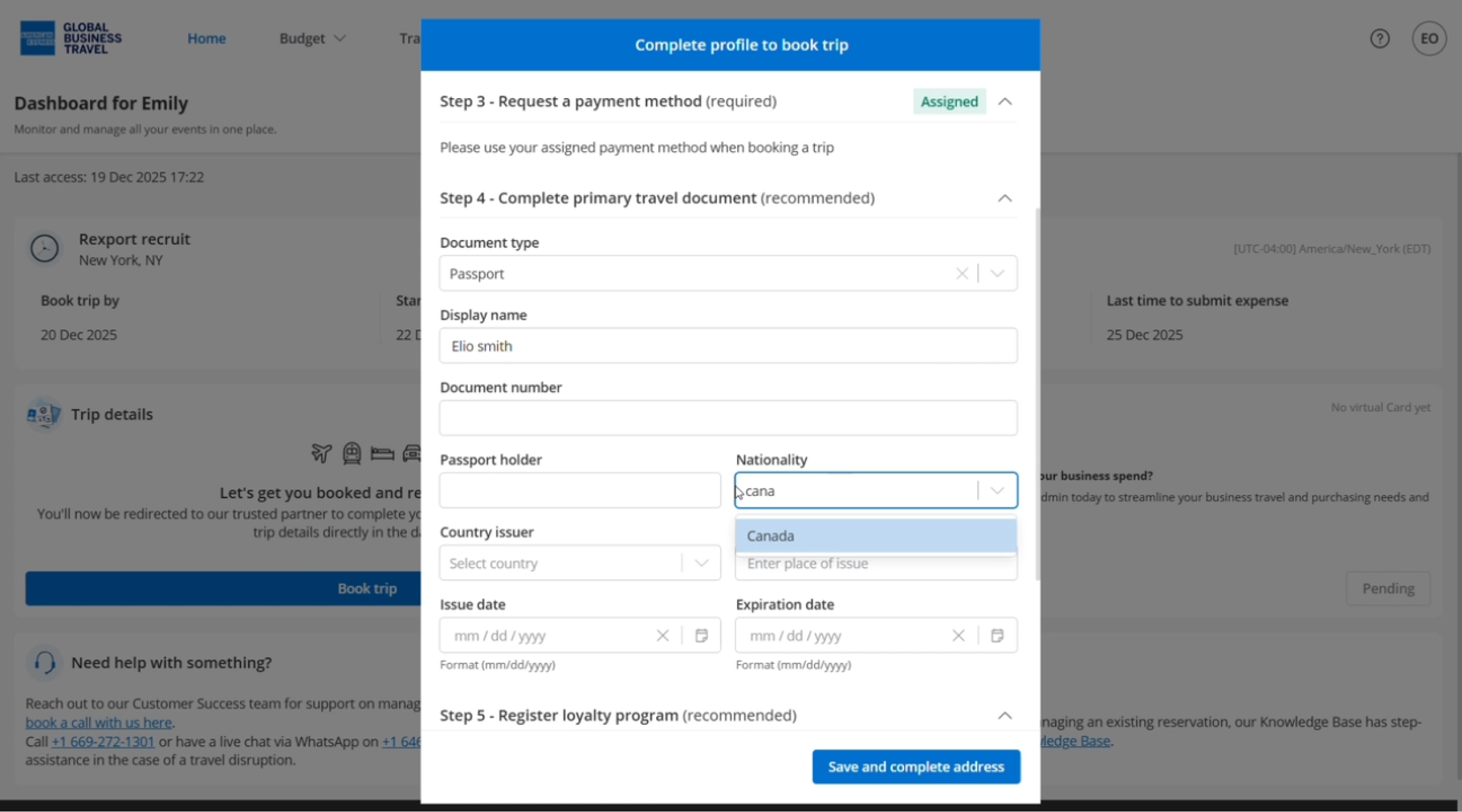
If you have any loyalty program memberships, enter your details here to collect points on bookings made through the platform.
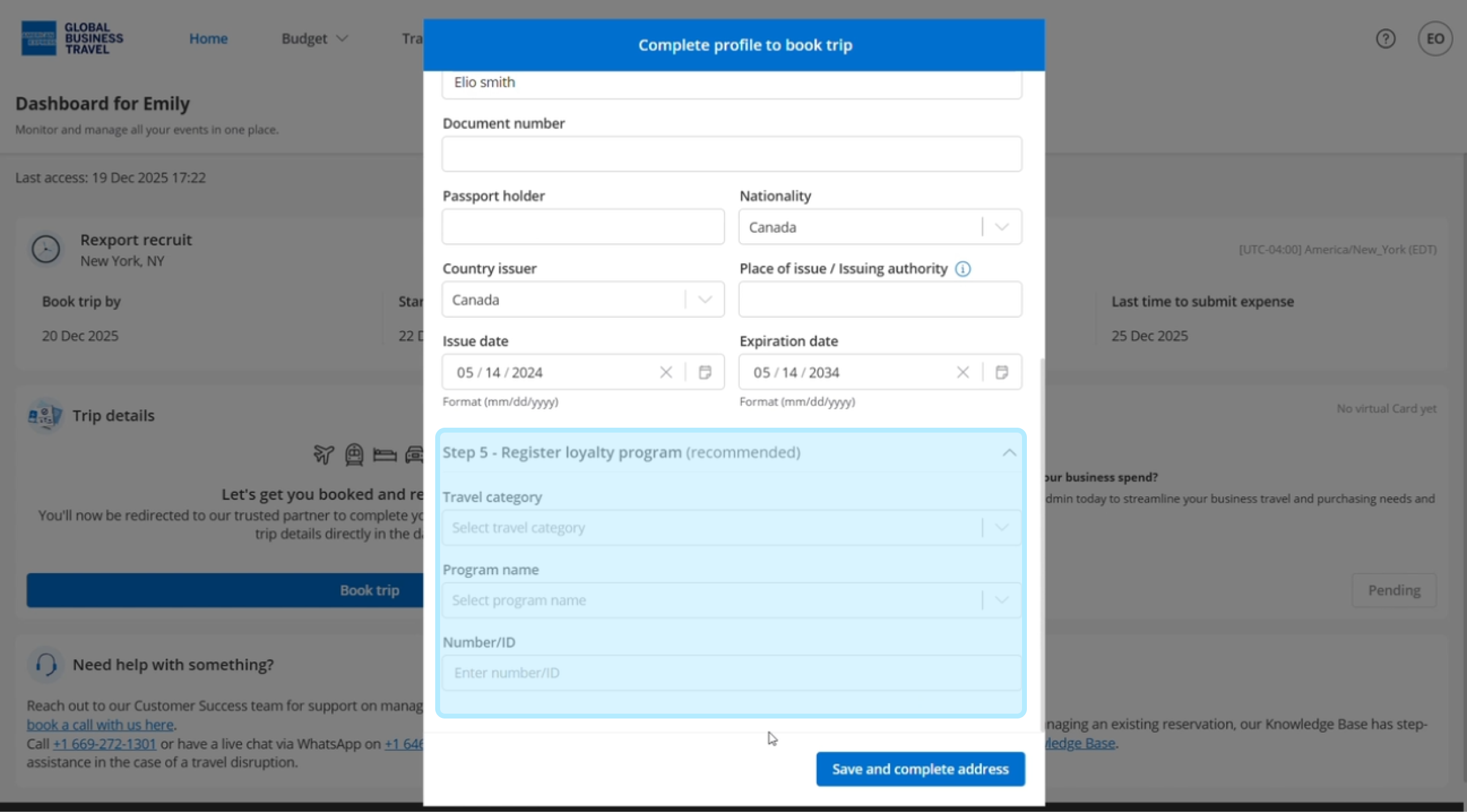
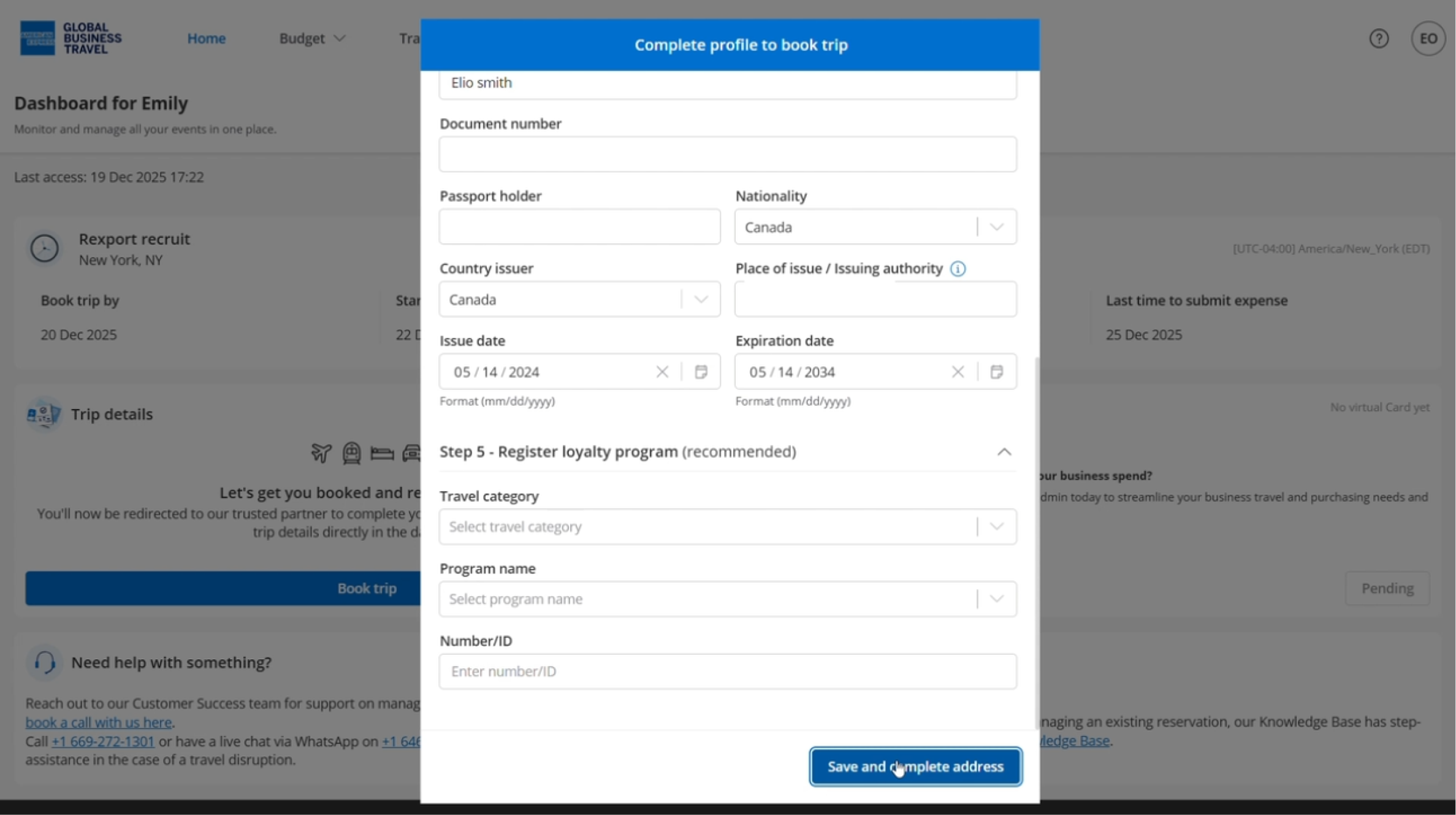
Click ‘Save and complete address’.
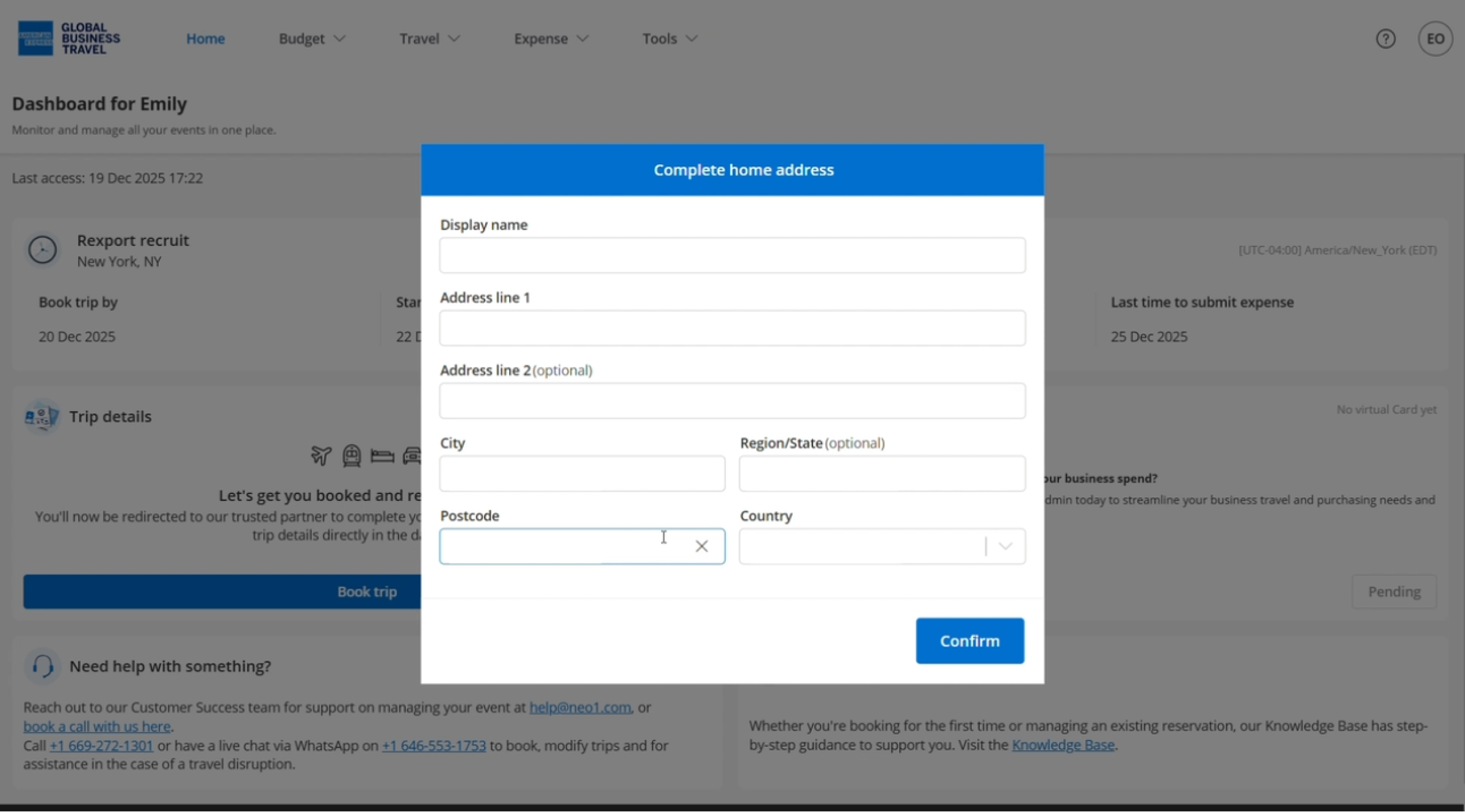
Now enter your home address
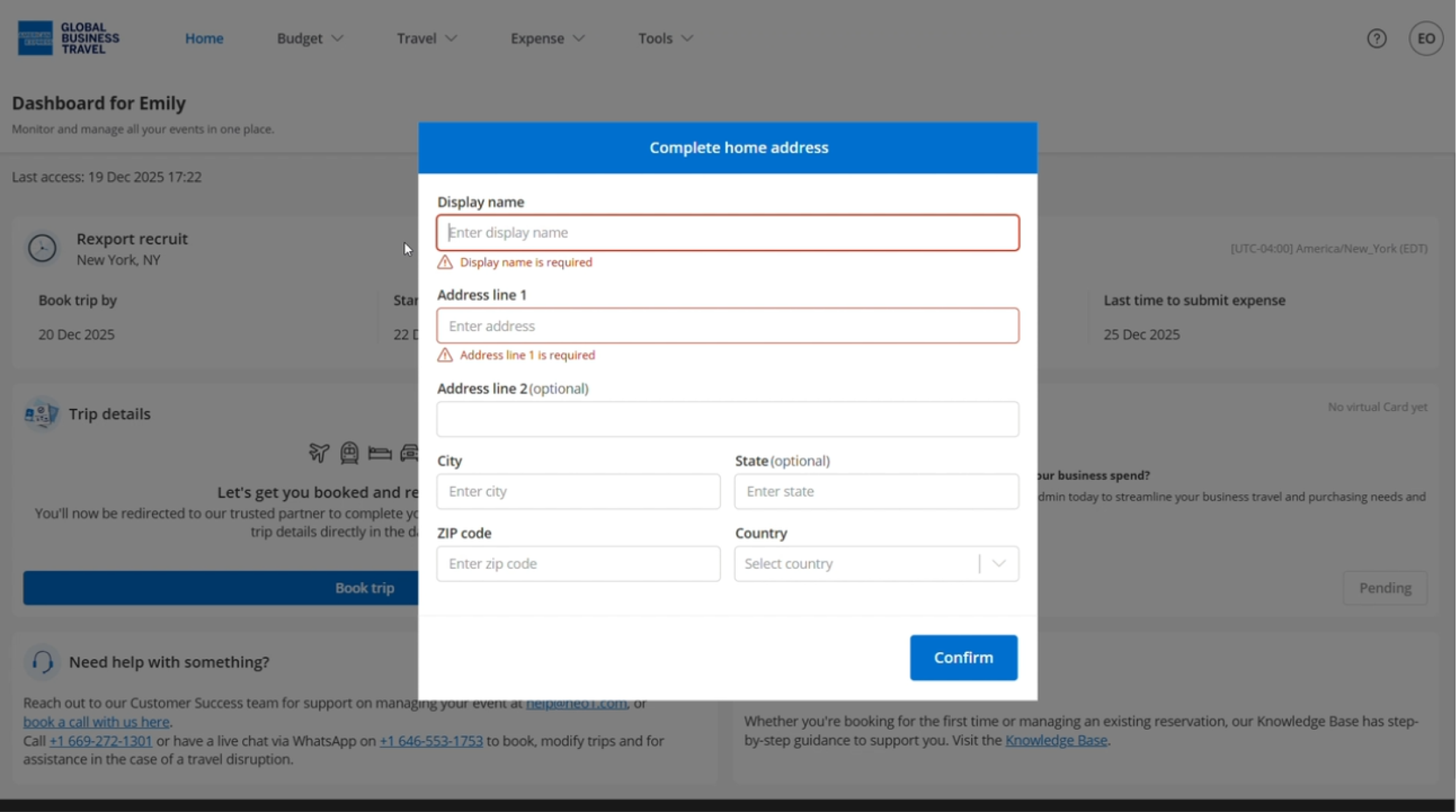
Click ‘Confirm’.
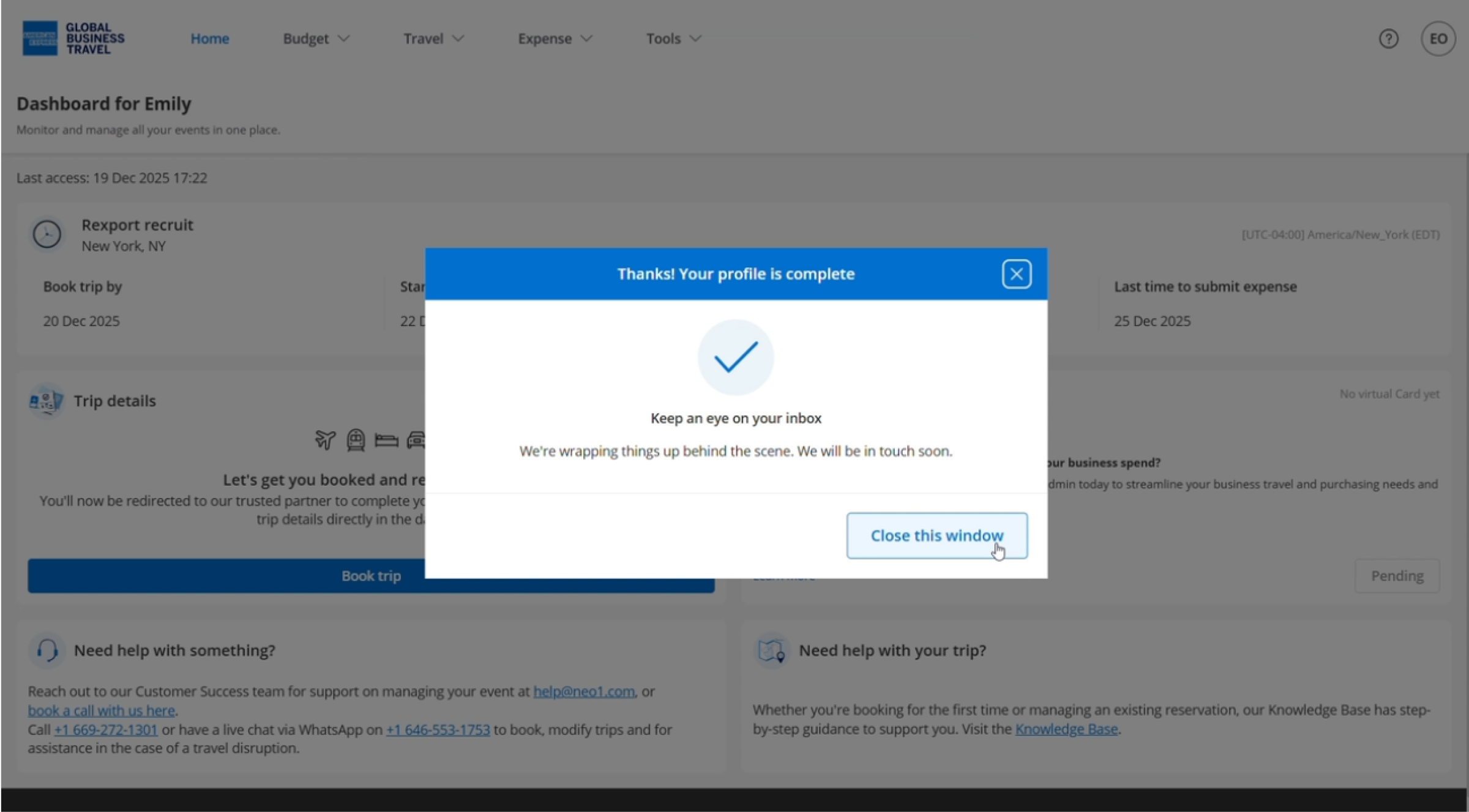
You will be notified by email when travel booking is available for you.
Read the next article: Book travel.