

 Audience: travelers
The spend management overview gives you a clear view of all your transactions and where they stand in the approval process. Each expense is assigned a status, making it easy to track progress, spot any pending actions, and stay on top of your reimbursement.
From the dashboard, view your expenses status and progress from the Spend management timeline.
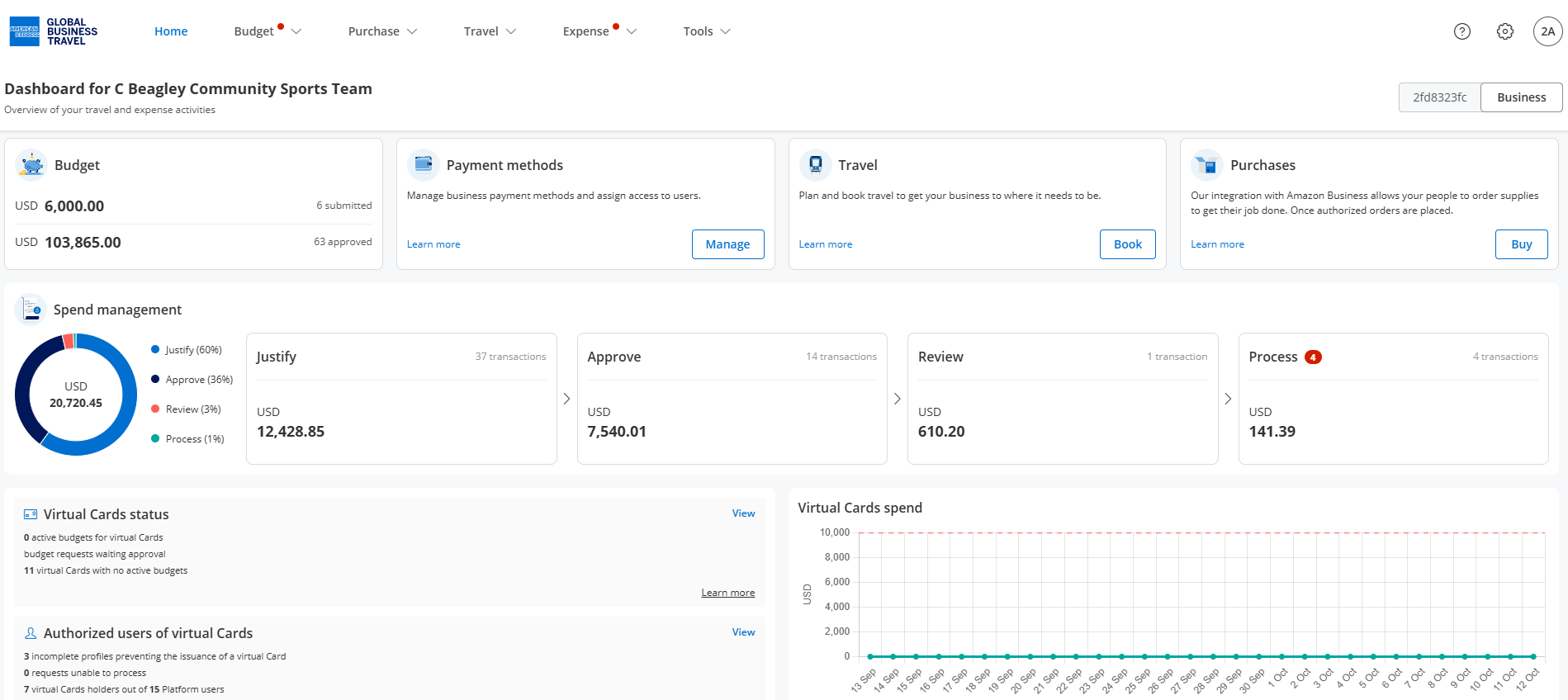
Justify: this is where your transactions appear, ready for justification. Review and justify any card spend, attach supporting documentation, and complete any pending personal expenses.
Approve: Transactions or expense reports currently pending administrator's approval.
Review: Transactions that have been approved and are now under financial review. This step is optional and applies to a percentage of expenses based on your event organizer's configuration.
Process: Transactions and expense reports that have completed the approval process are ready for export to the event organizer's finance system for reimbursement.
Next article: Justify and submit an expense