 Audience: Travelers
To get the most out of the platform — whether you're booking travel, using virtual Cards, or managing your preferences — keeping your profile up to date is essential. Key details like a payment method, date of birth, and home address ensure everything works smoothly when you need it.
A few minutes now means no hold-ups later, and a more personalized experience every time you use it.
Video: How to edit user profile
Step by step guide
Update your personal profile
Click on your initials on the top right hand-side. Select 'Personal information'.
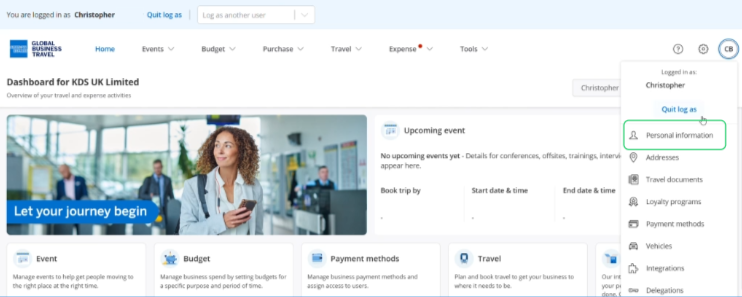
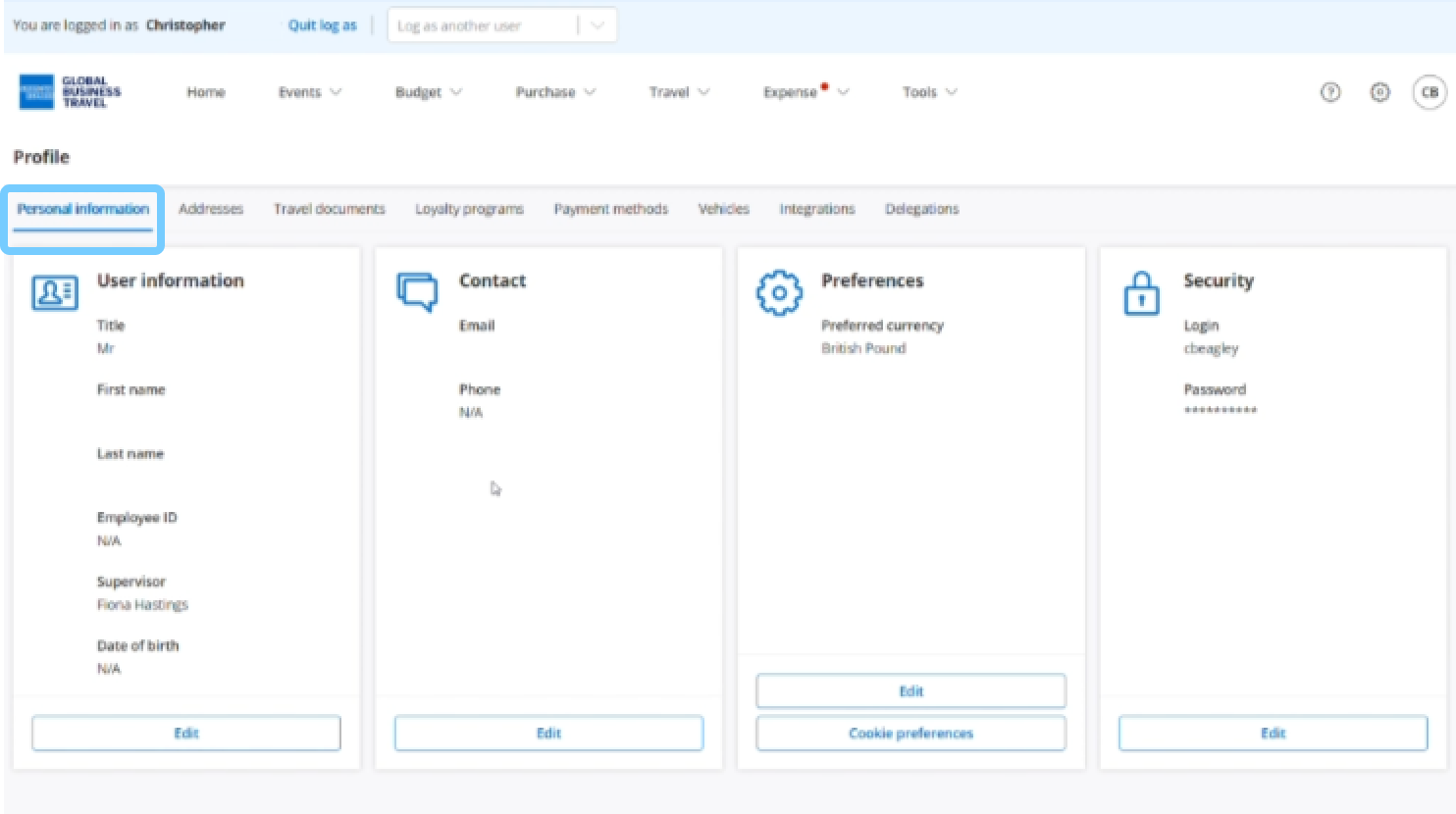
In the 'Personal Information' section, you can edit:
- User information
- Contact details
- Preferences
- Password
Manage your addresses
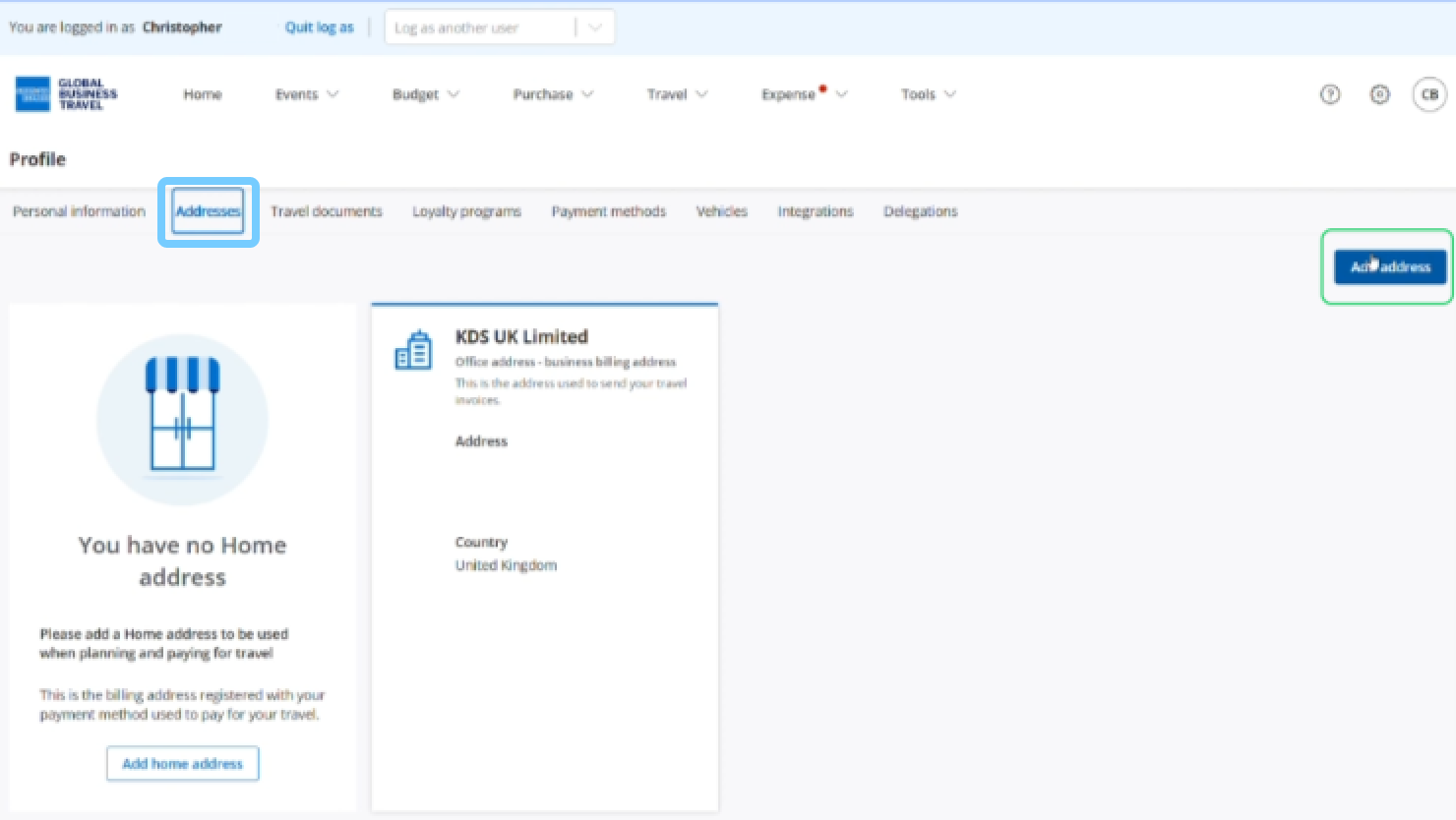
Click the 'Addresses' tab to view, modify and add an address.
Home address is used to facilitate travel booking.
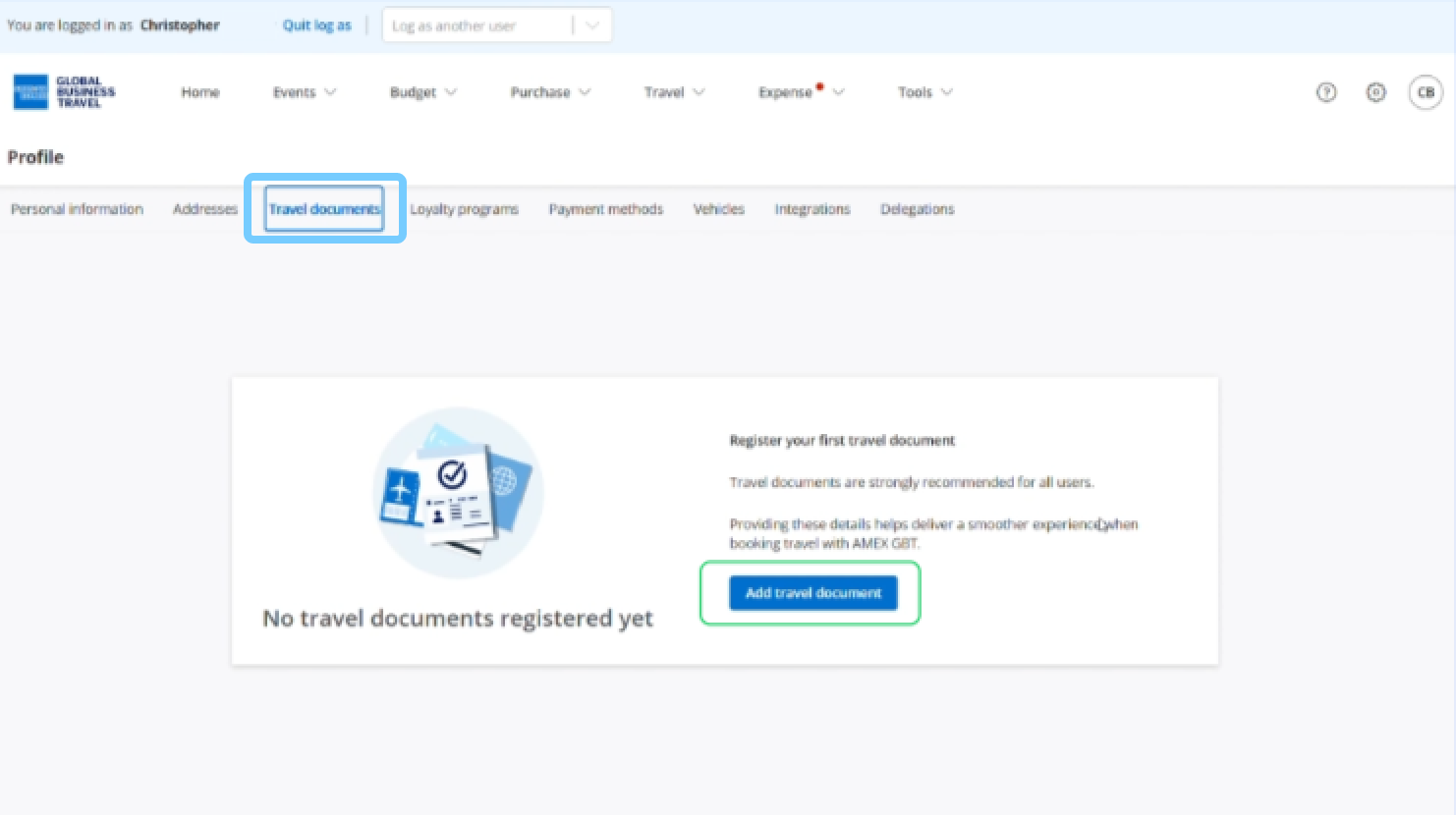
Update your travel documents
Click the 'Travel documents' tab to add or edit travel documents such as passport or driver's license numbers.
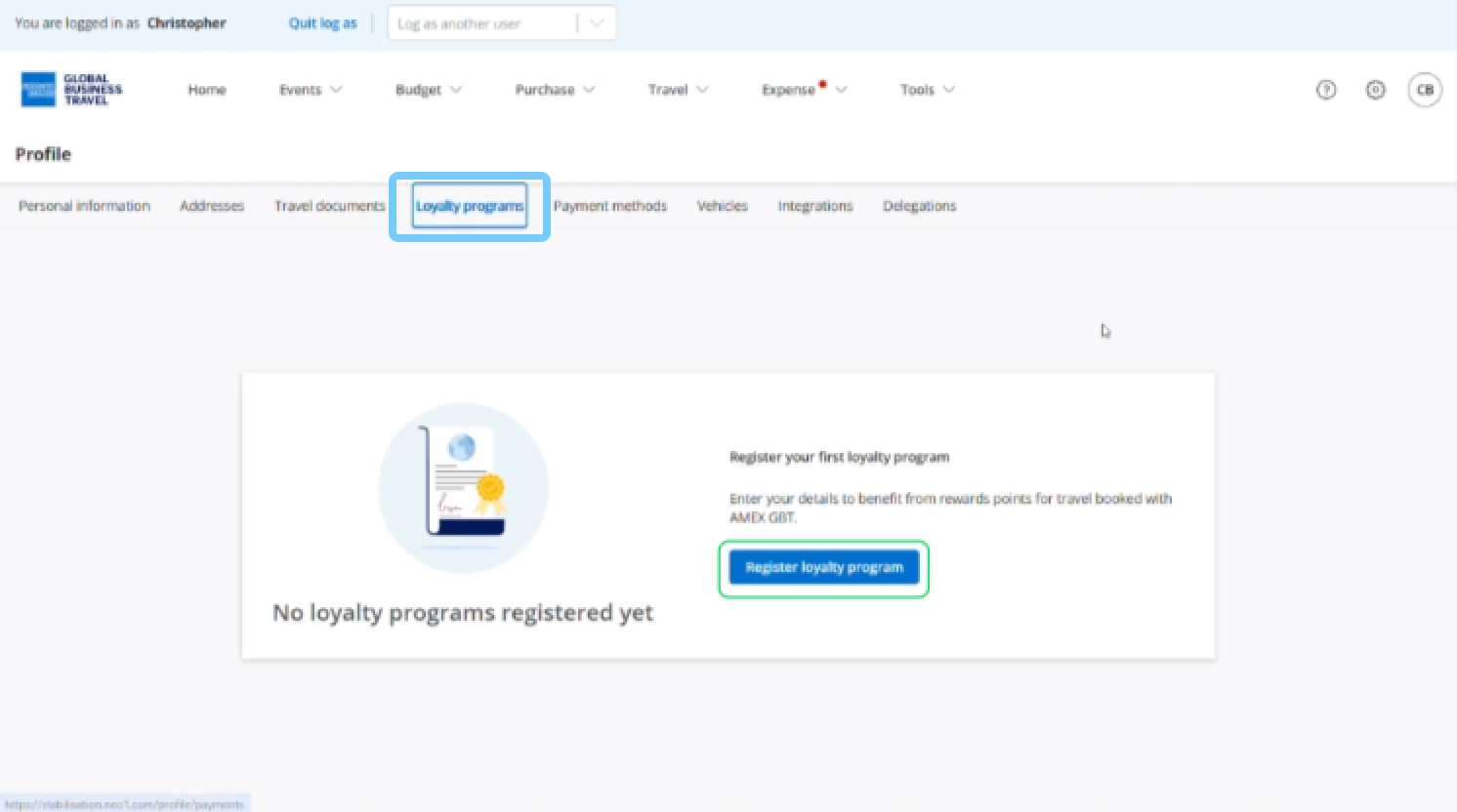
Add loyalty programs
Click the 'Loyalty programs' tab to link your accounts across Car Hire, Air, Hotels, and Train — and keep earning points.
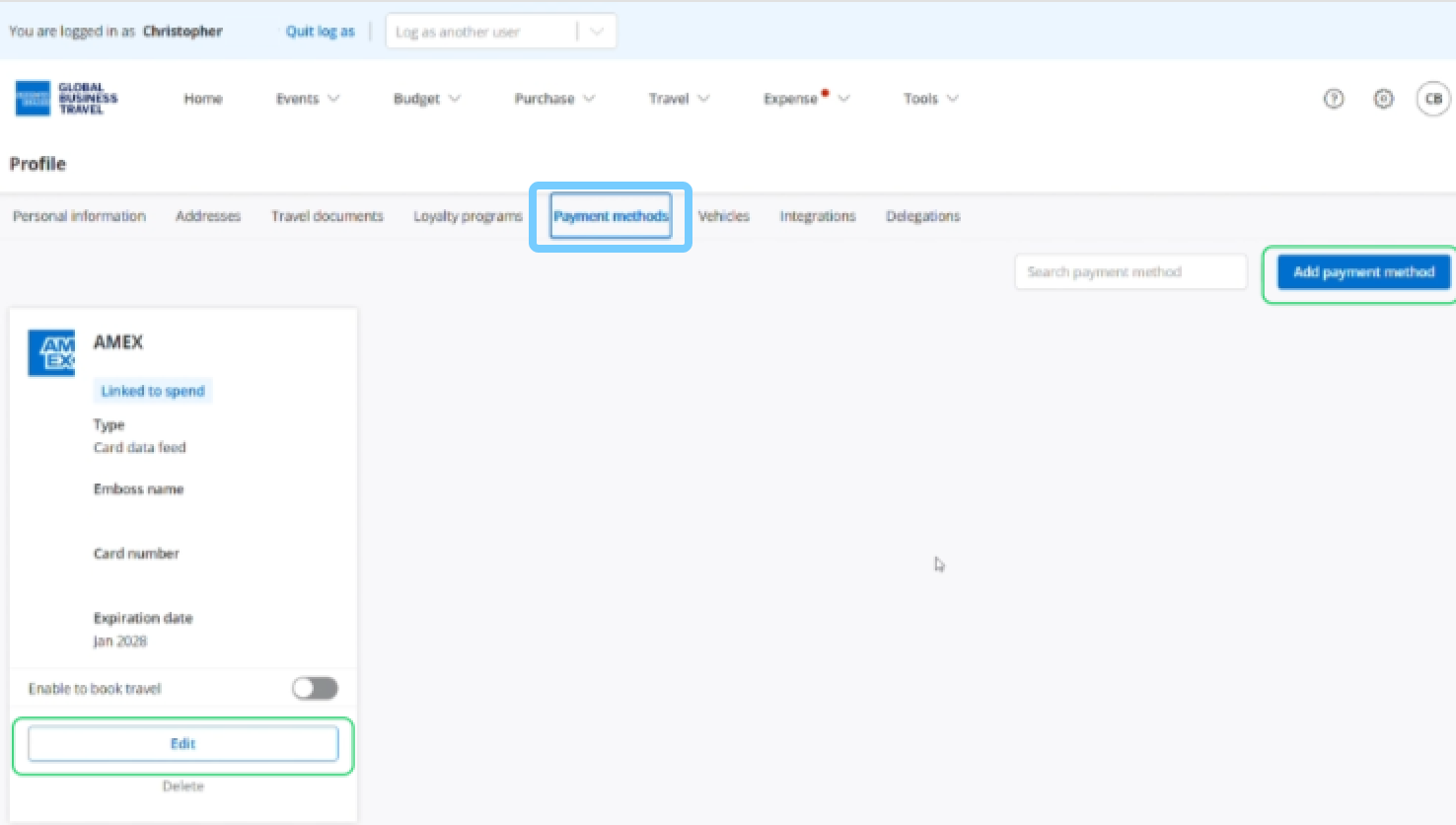
Update payment methods
Edit your current payment method or add a new one.
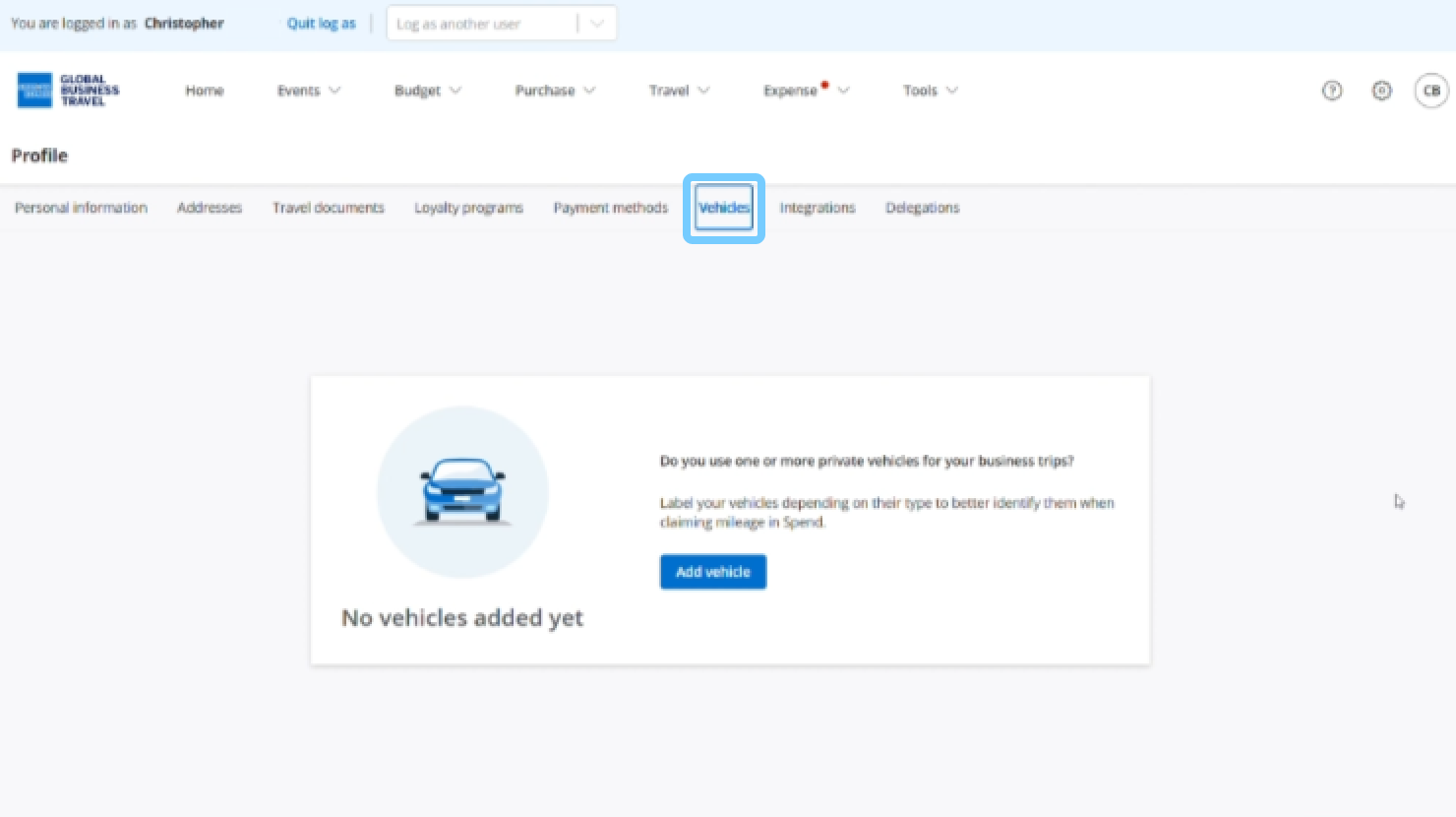
Add a vehicle
You can add a vehicle to your profile if you use the platform to claim mileage. For detailed instructions, watch our separate video guide on how to add a vehicle.