

 Audience: Admins
Setting mileage rates is essential for enabling your users to submit and reclaim expenses for personal vehicle use on work-related travel. The platform makes this simple, you can create and manage multiple mileage policies.
The platform supports tiered rates for total number of miles/kilometers covered within a tax year.
Video: How to create and manage mileage policies
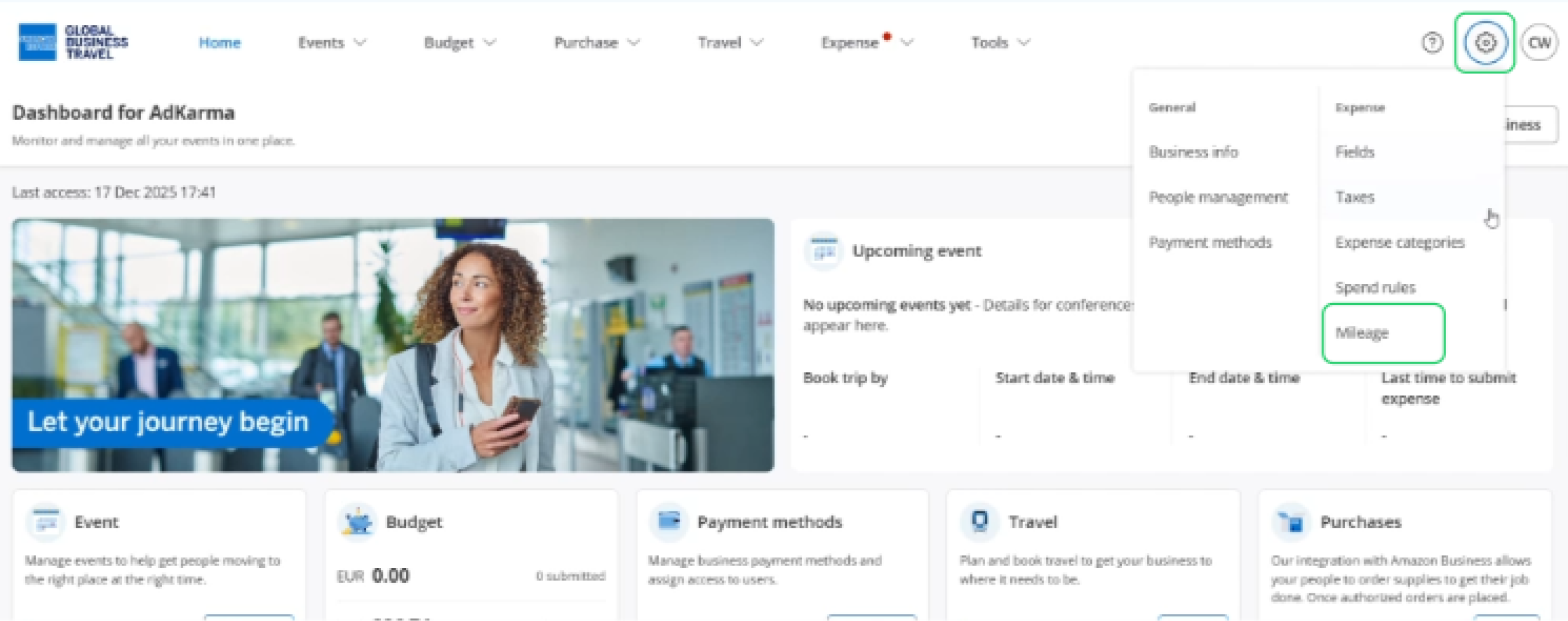
To get started, navigate to Settings from the navigation menu, then select Mileage under the Expense section.
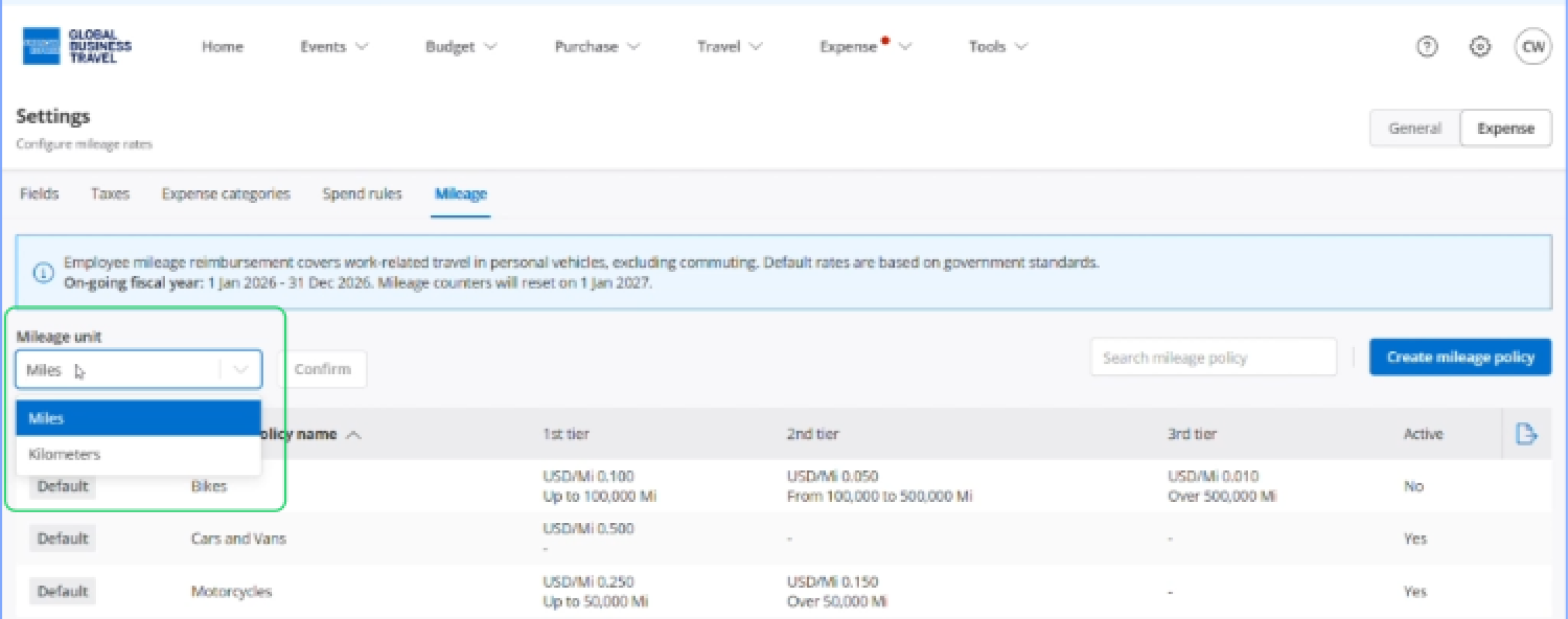
Select mileage unit.
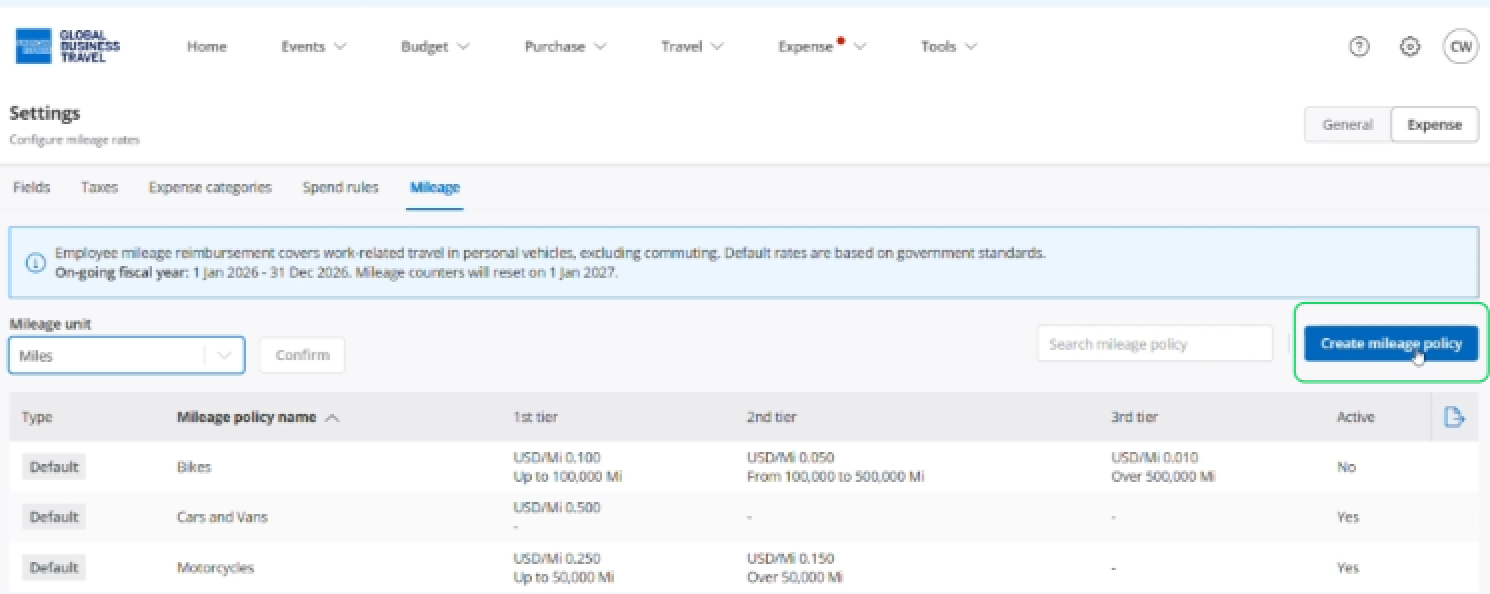
Click 'Create mileage policy'
Enter a mileage policy name
Mileage policy allows you to define the rates and limits that best apply to your business.
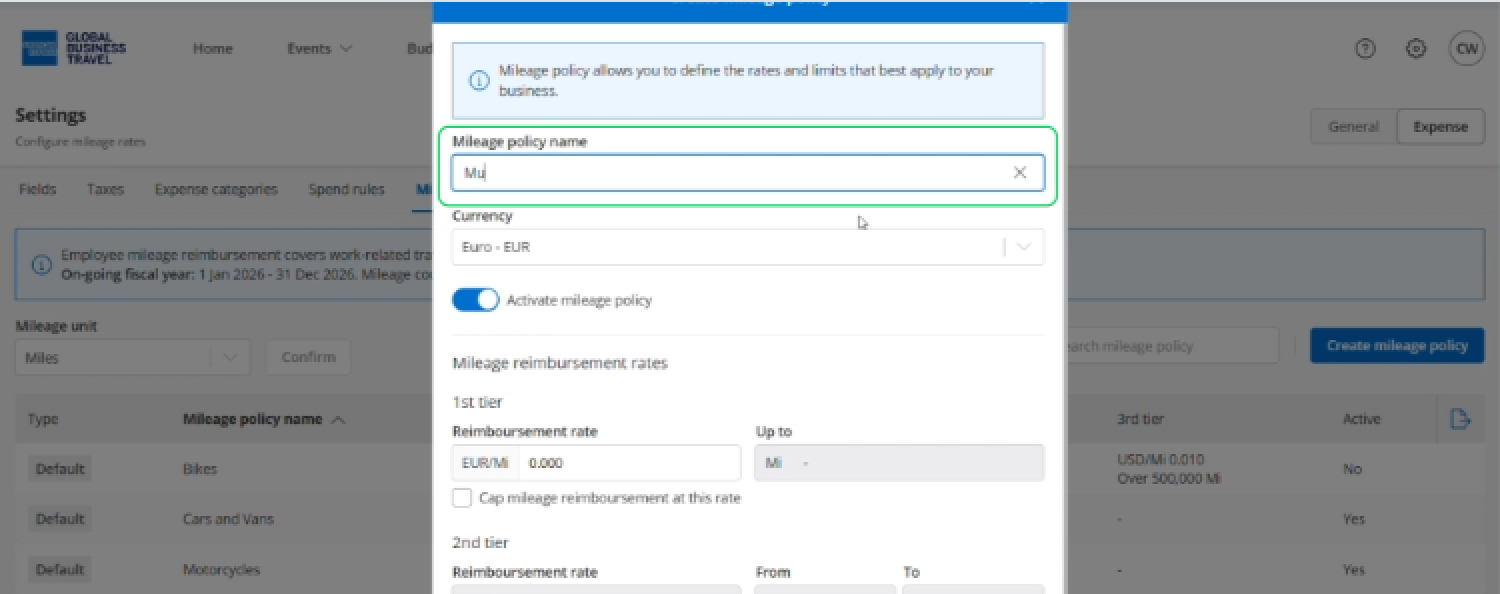
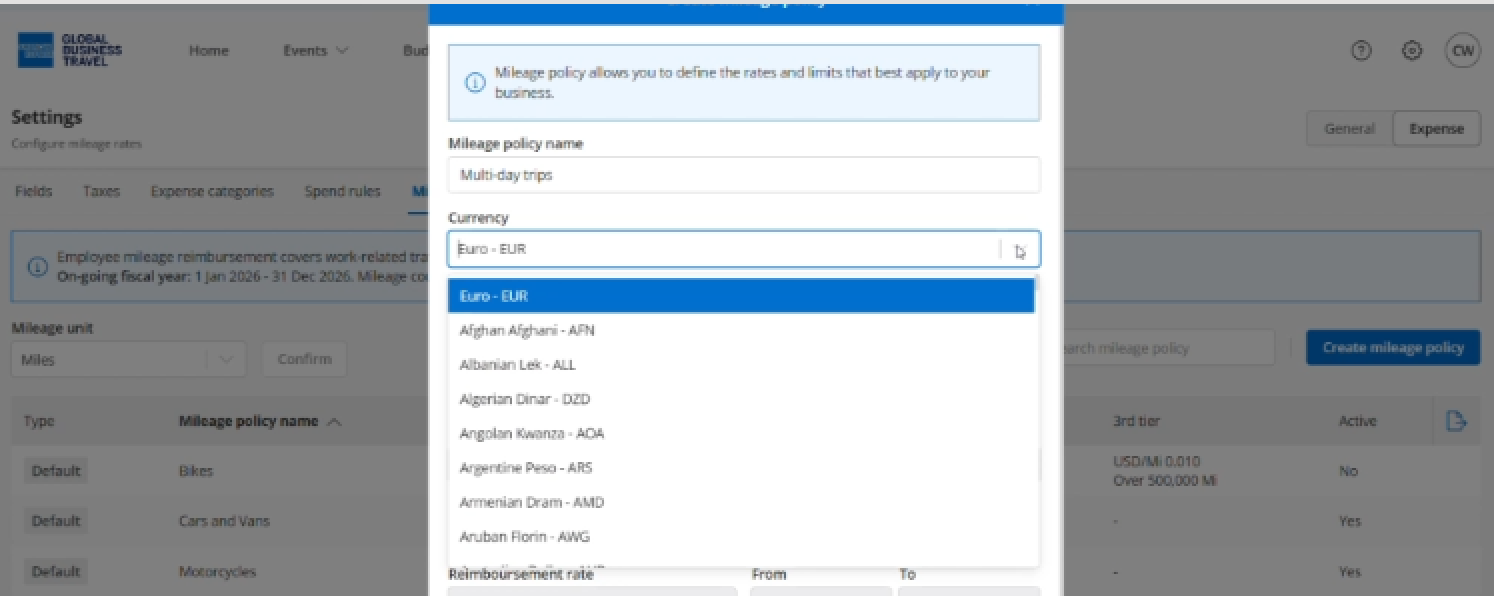
You can change currency.
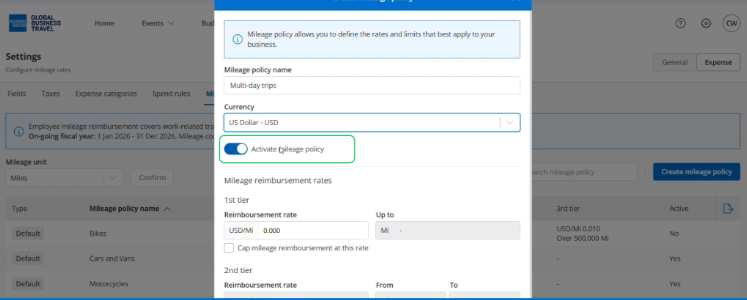
Toggle this ON to activate the mileage policy.
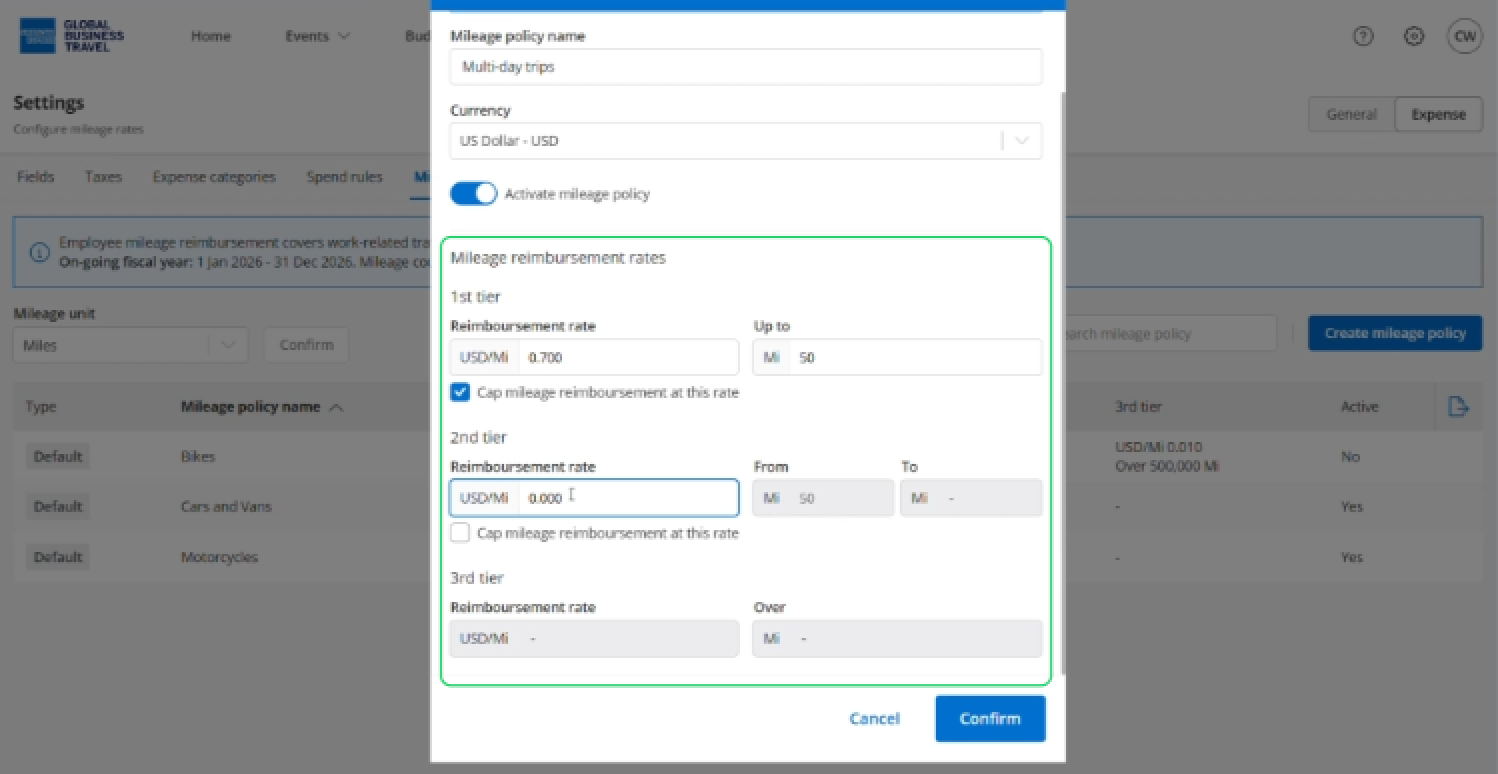
Set the tiered reimbursement rates.
This allows you to offer different rates based on distance traveled - typically, longer trips have slightly lower per-mile rates.
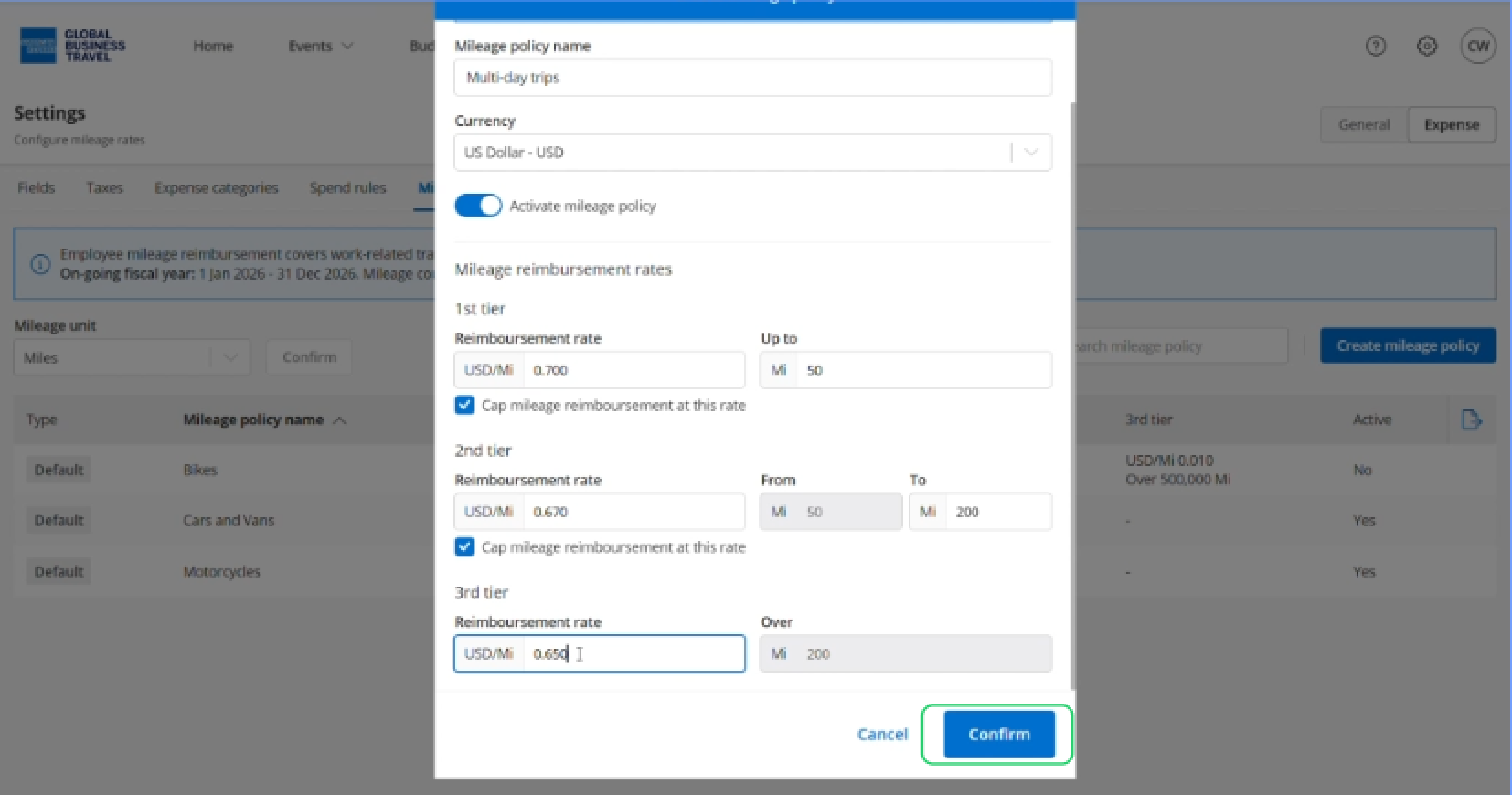
Click 'Confirm'.
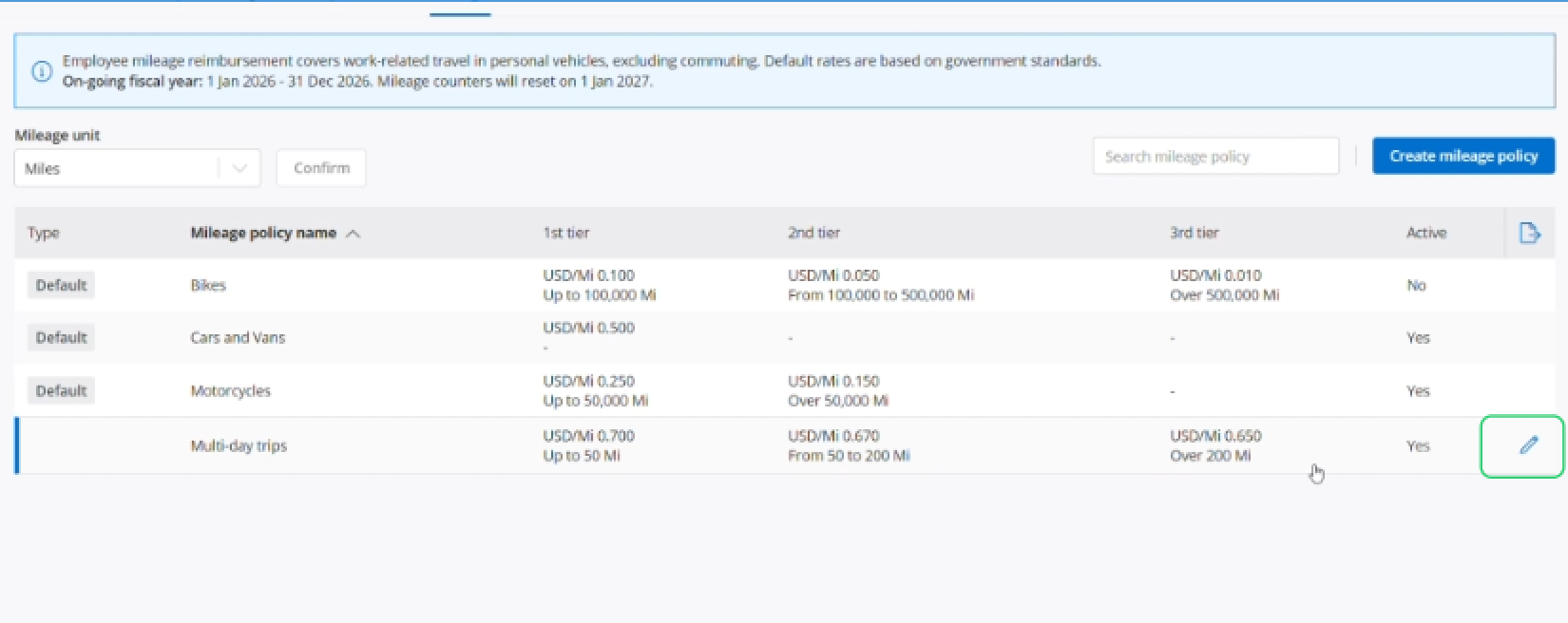
If you wish to edit your policy, click on the pencil icon to the far right.
Read the next article: Creating spend policy.